
Share to an Agent
Share files, web links, images, or text from other apps directly to an agent or workflow.
Share to an agent
You can share text, web links, documents, and images from any app on your phone directly to an agent or automated workflow.
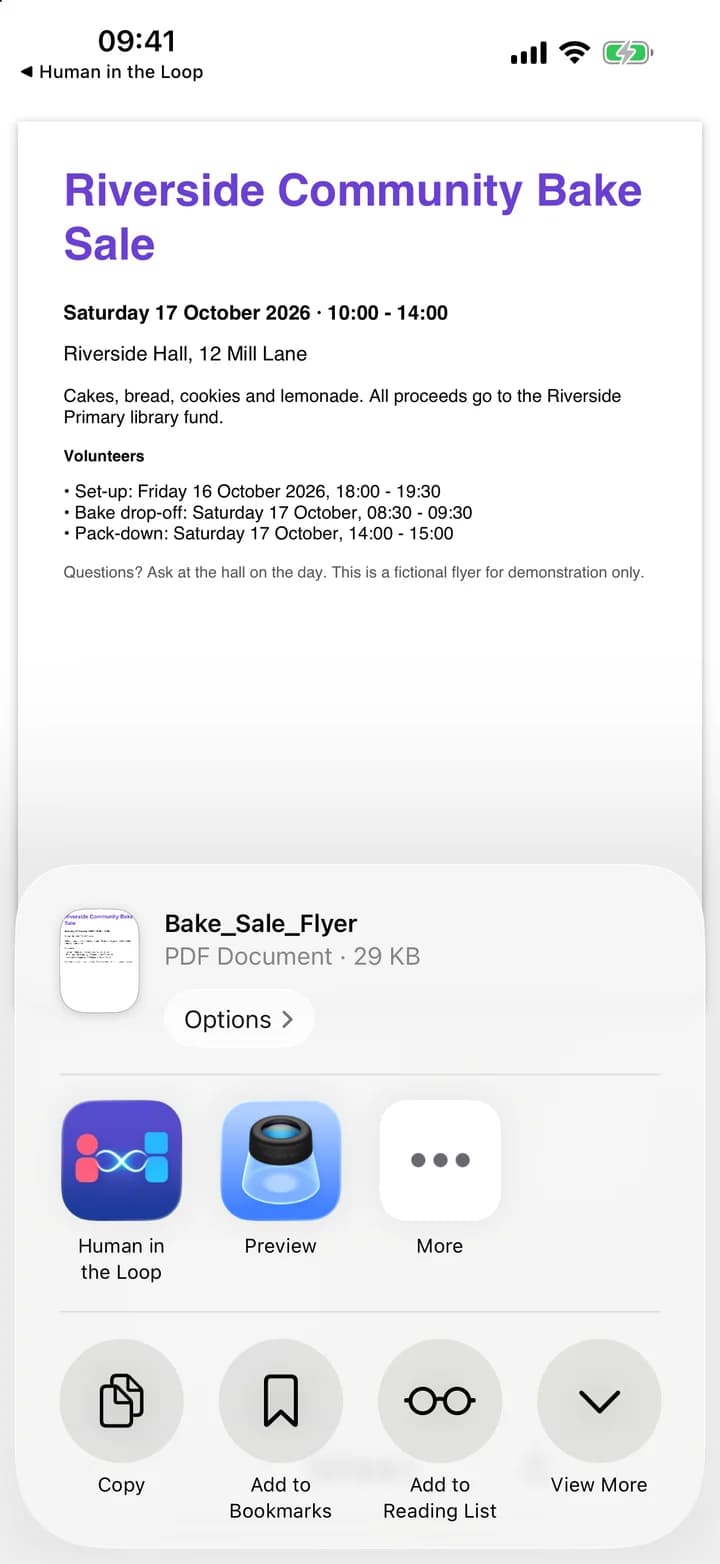
The sharing flow
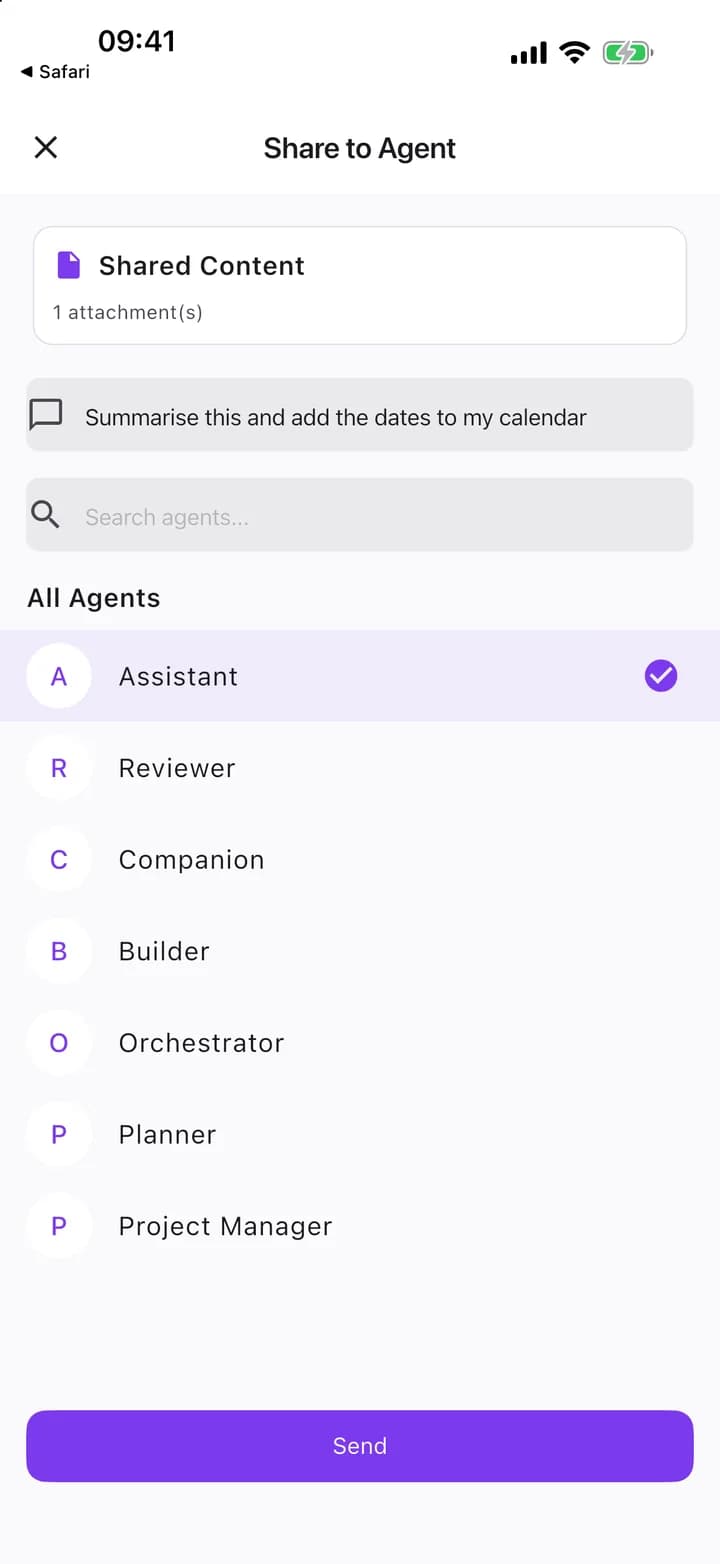
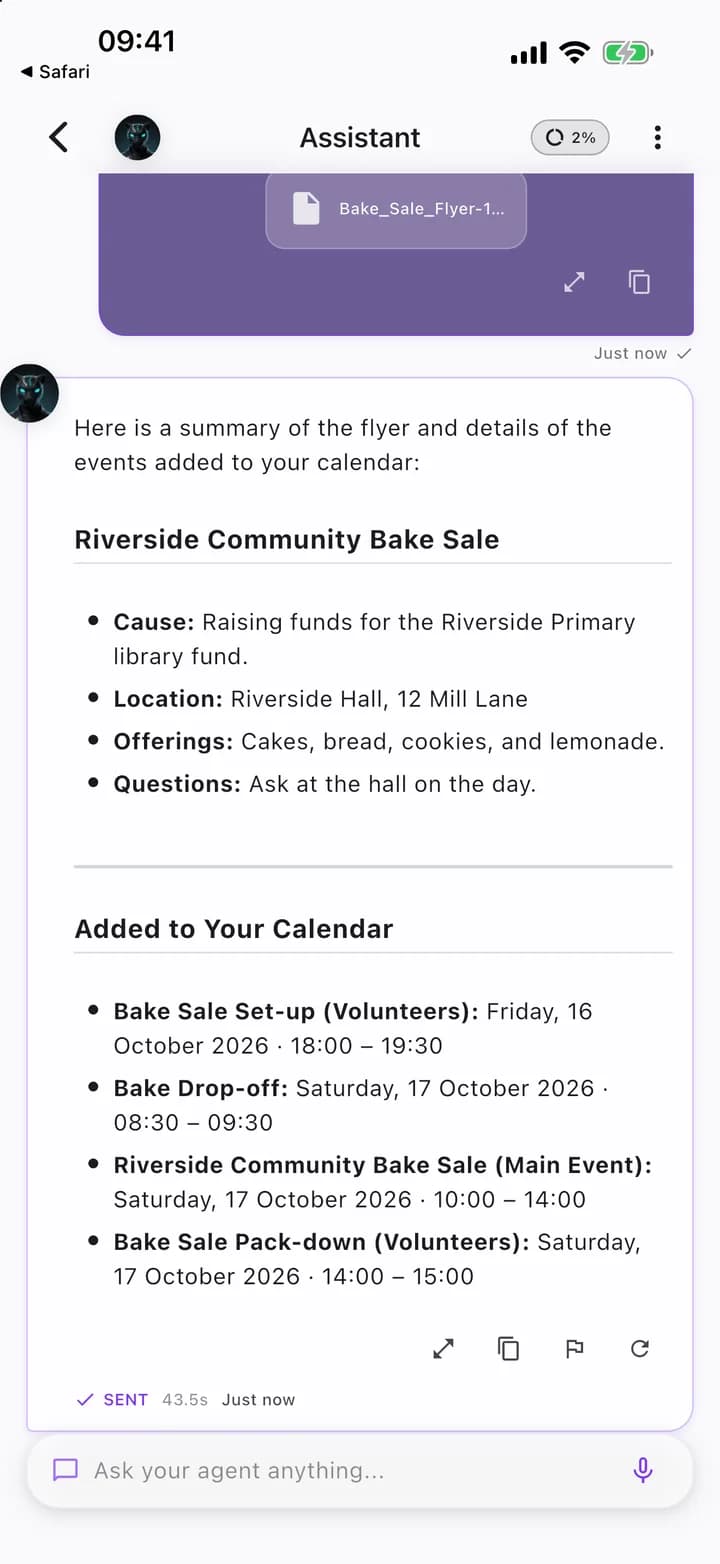
When you share content from another app to the HITL app, the Share to Agent screen opens:
- Shared Content: The top card previews the incoming text, link, or media.
- Add an instruction (optional): Enter specific guidance or prompt instructions for the receiving agent.
- Pick an agent: Select a target from the categorized list:
- Recent: Agents you have interacted with recently.
- Workflows: Multi-step automated pipelines configured to process incoming items.
- All Agents: Your complete agent roster. Use "Search agents..." to filter by name.
- Send: Tap Send to deliver the content and launch the run. The button remains disabled with "Select an agent to share" until a destination is chosen.
If your roster is empty, the screen displays No agents found with a button to Create Agent.
Share expiration
Incoming shares are cached temporarily for your privacy and device storage hygiene. If a share remains unhandled for more than 10 minutes, the screen displays This share has expired, and the cached files are discarded.
Platform considerations
The sharing experience adapts to your device operating system:
- Android: Supports standard share actions under the app label Human in the Loop, allowing you to share several files or images at once.
- iOS: The share extension accepts text, a single web URL, one image, or one file per share, with open-in support for PDF documents.