What HITL Can Do
Your AI agents live on your phone, not in someone else's cloud. They use your calendar, contacts, camera, location and Shortcuts to get real things done.
Inside the app
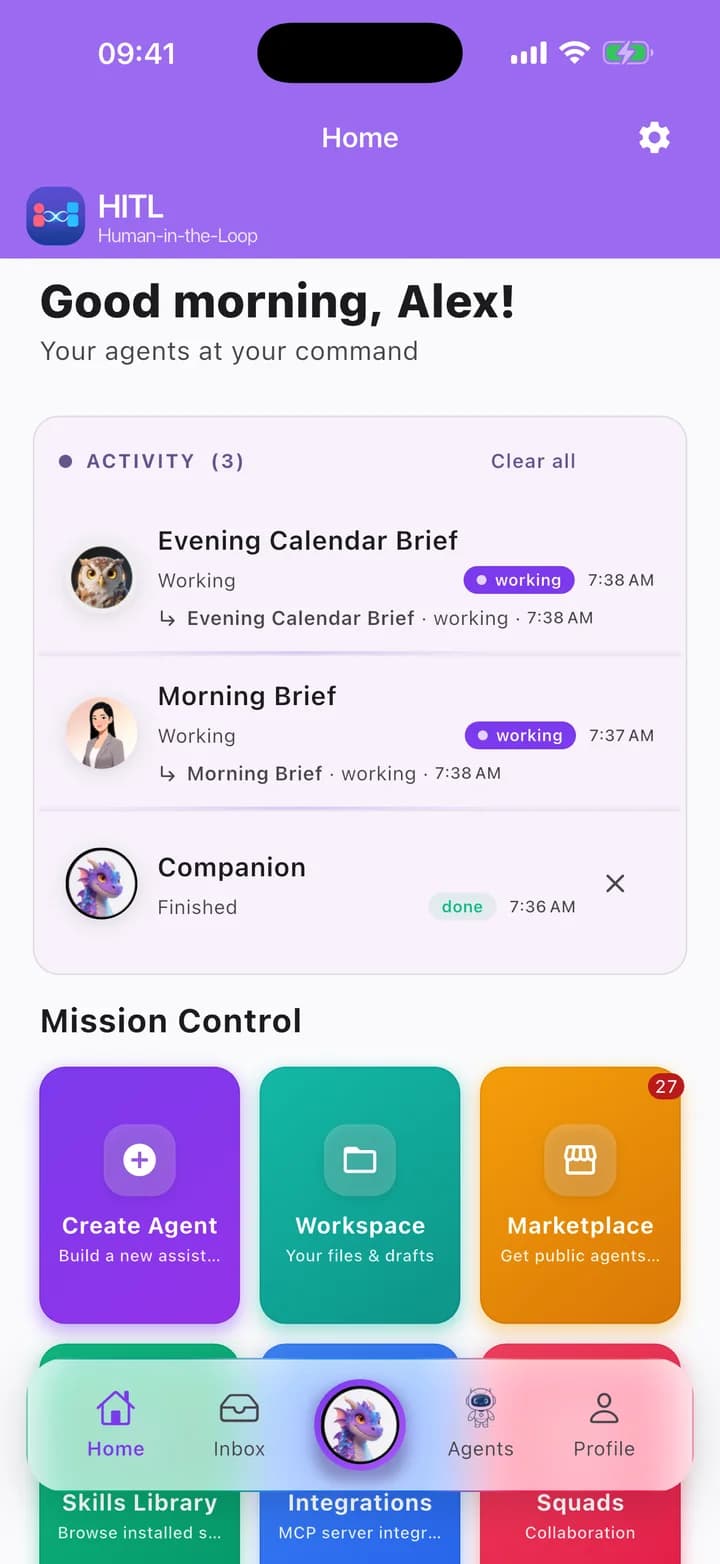
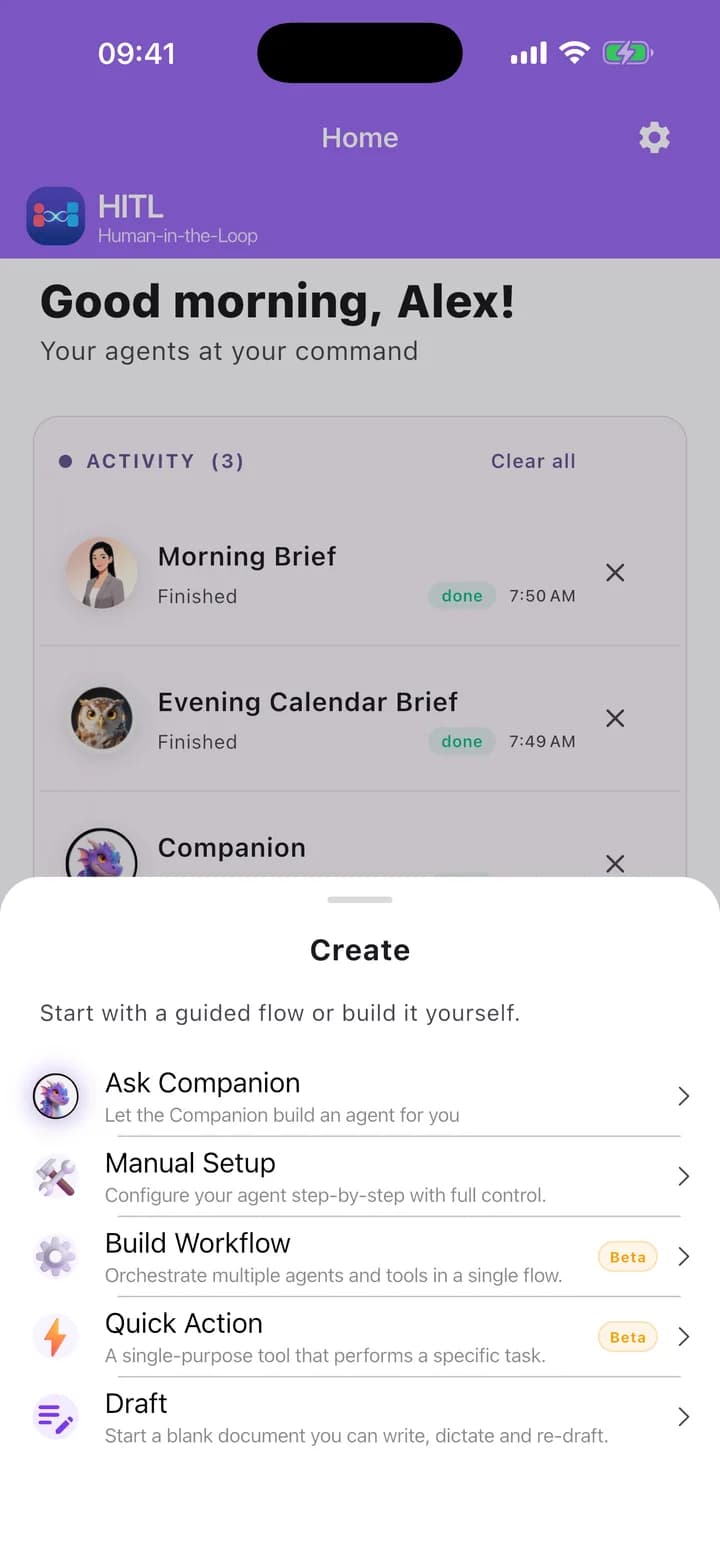
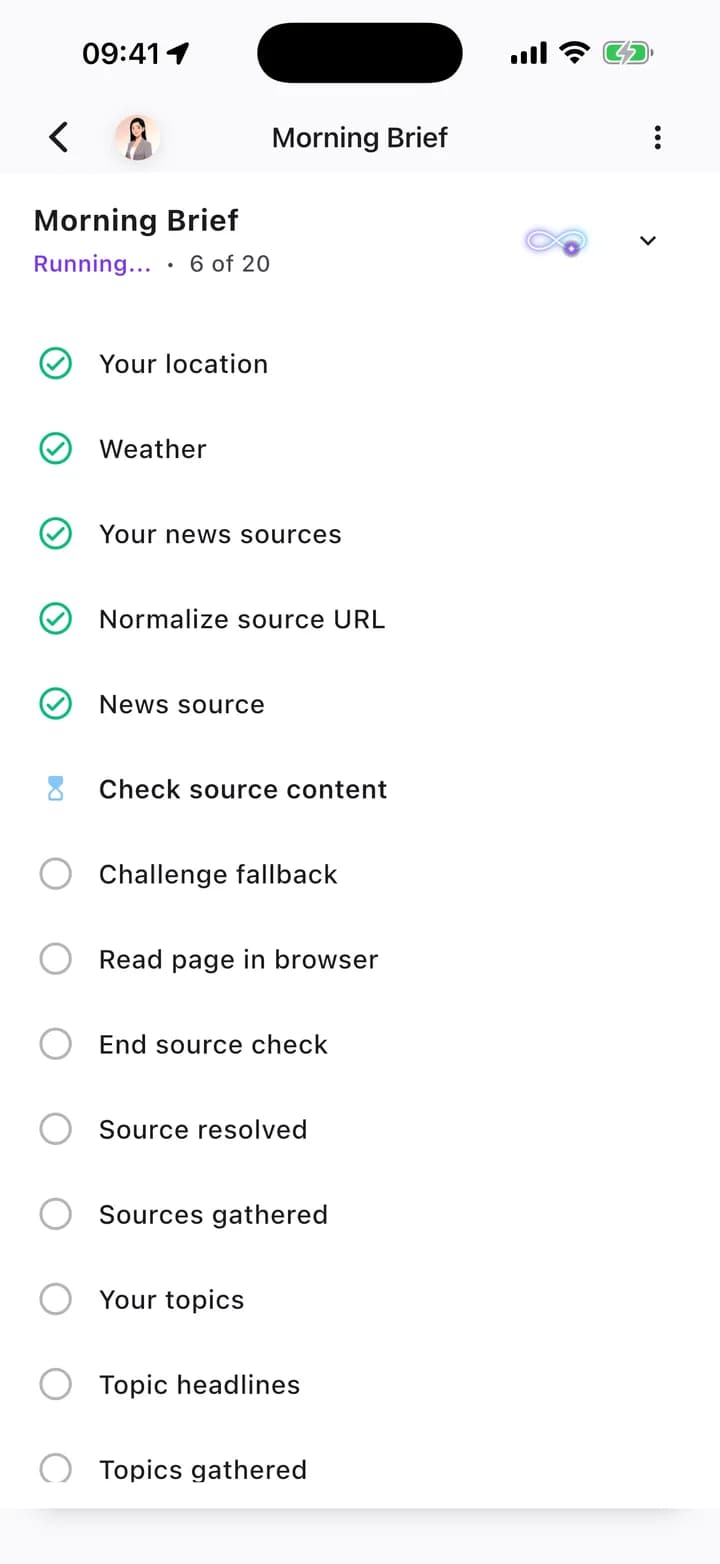
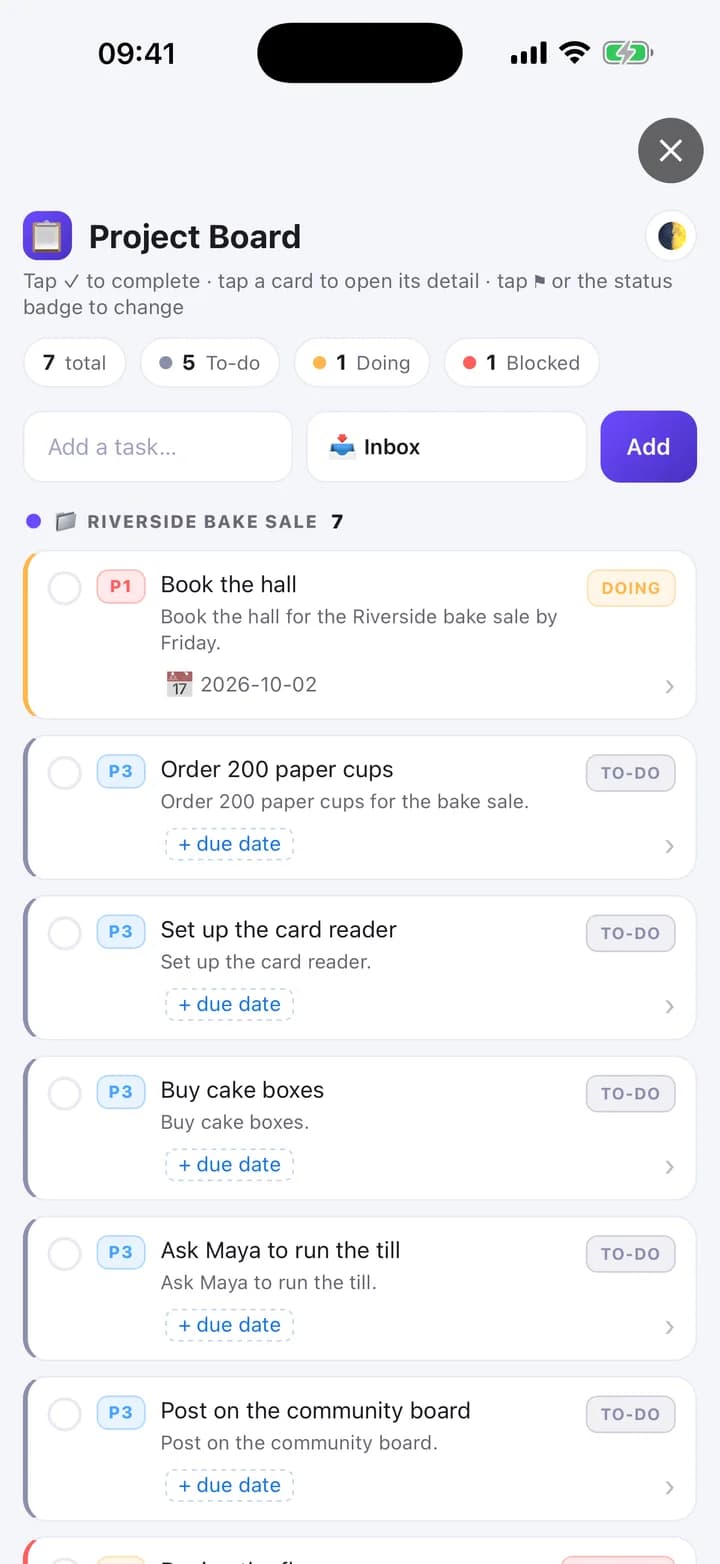
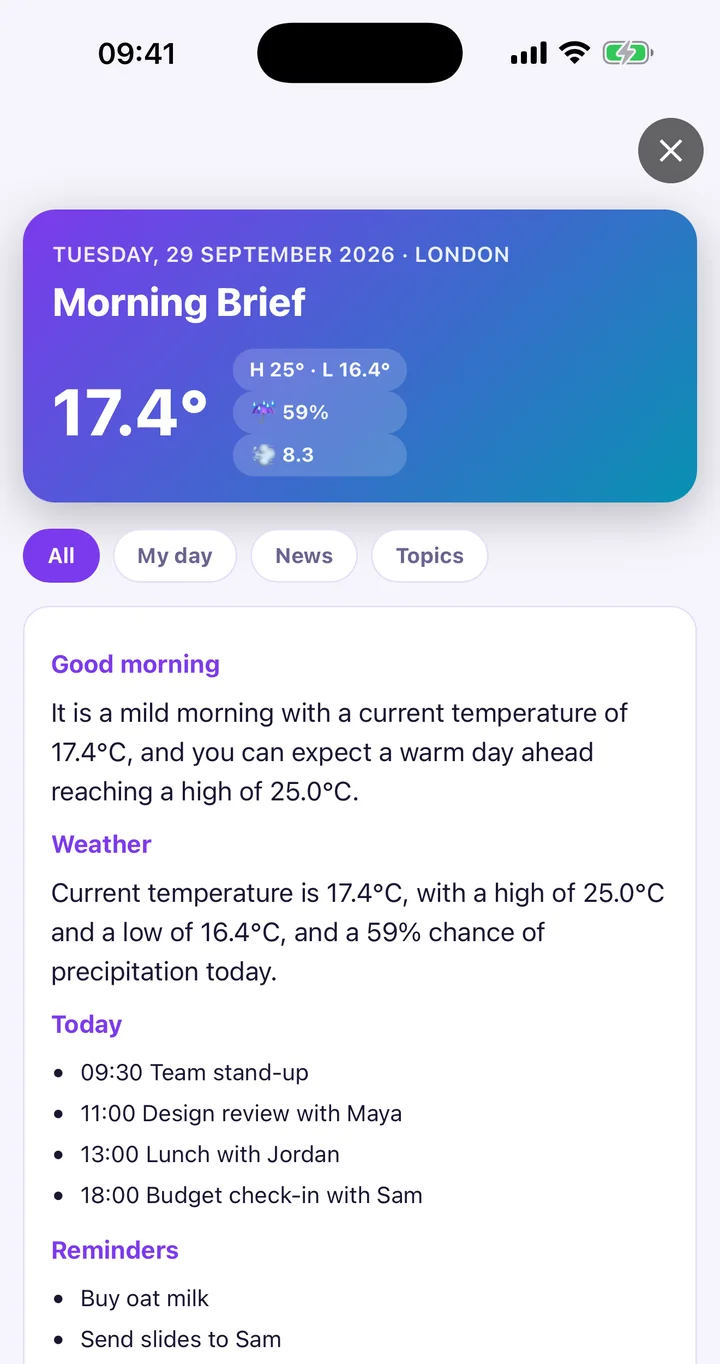
Real screens from the beta: your agents, how you create them, the workflows they run and the mini-apps they build.
Eight Mobile Superpowers
Desktop agents only see what you paste into a terminal. HITL agents run natively on your phone.
1. Runs your day
Calendar, reminders, contacts, alarms.
Your agents have permissioned access to your calendar, reminders, contacts, and alarms. Ask them to schedule meetings, remind you about commitments, find someone in your address book, or set a wake-up timer.
Platform note: On iPhone, alarms open the Clock app.
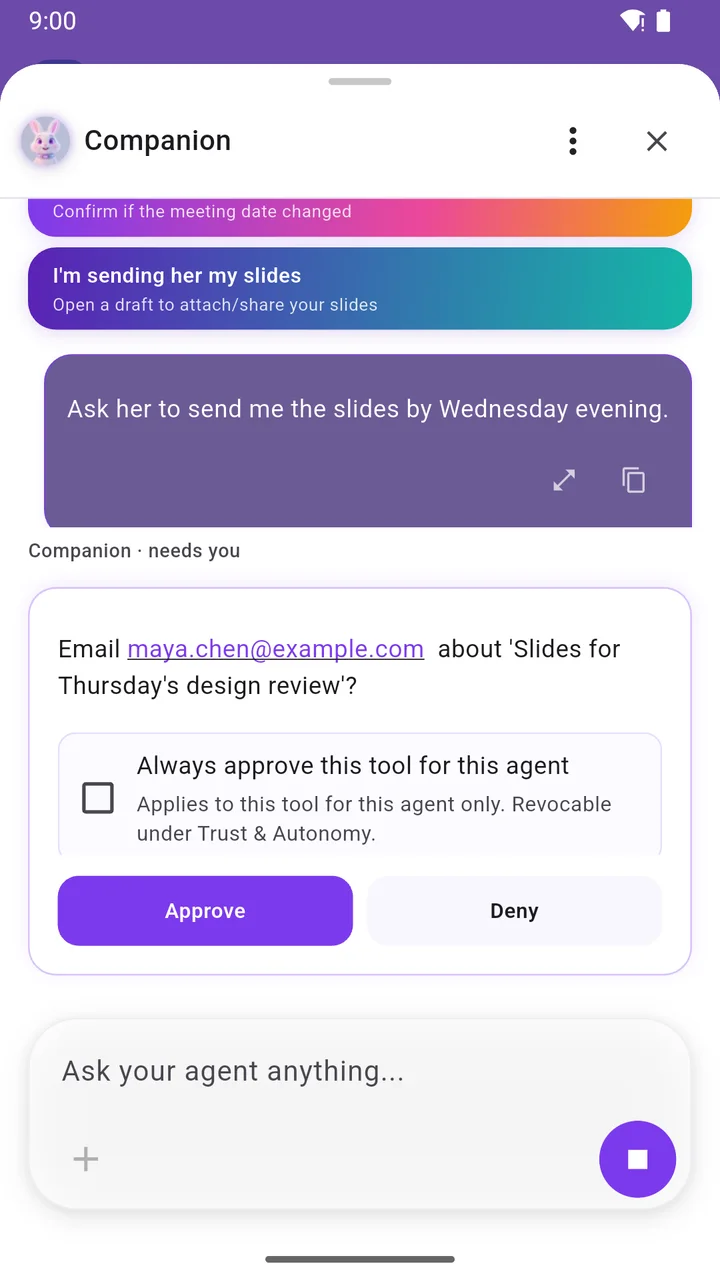
2. Talks for you, with your OK
Drafts texts and emails for you to send, and starts calls you confirm.
HITL agents never send texts behind your back. They draft messages and emails for your review and one-tap send, and initiate phone calls only after you confirm.
Platform note: On Android it can also read your other apps' notifications.
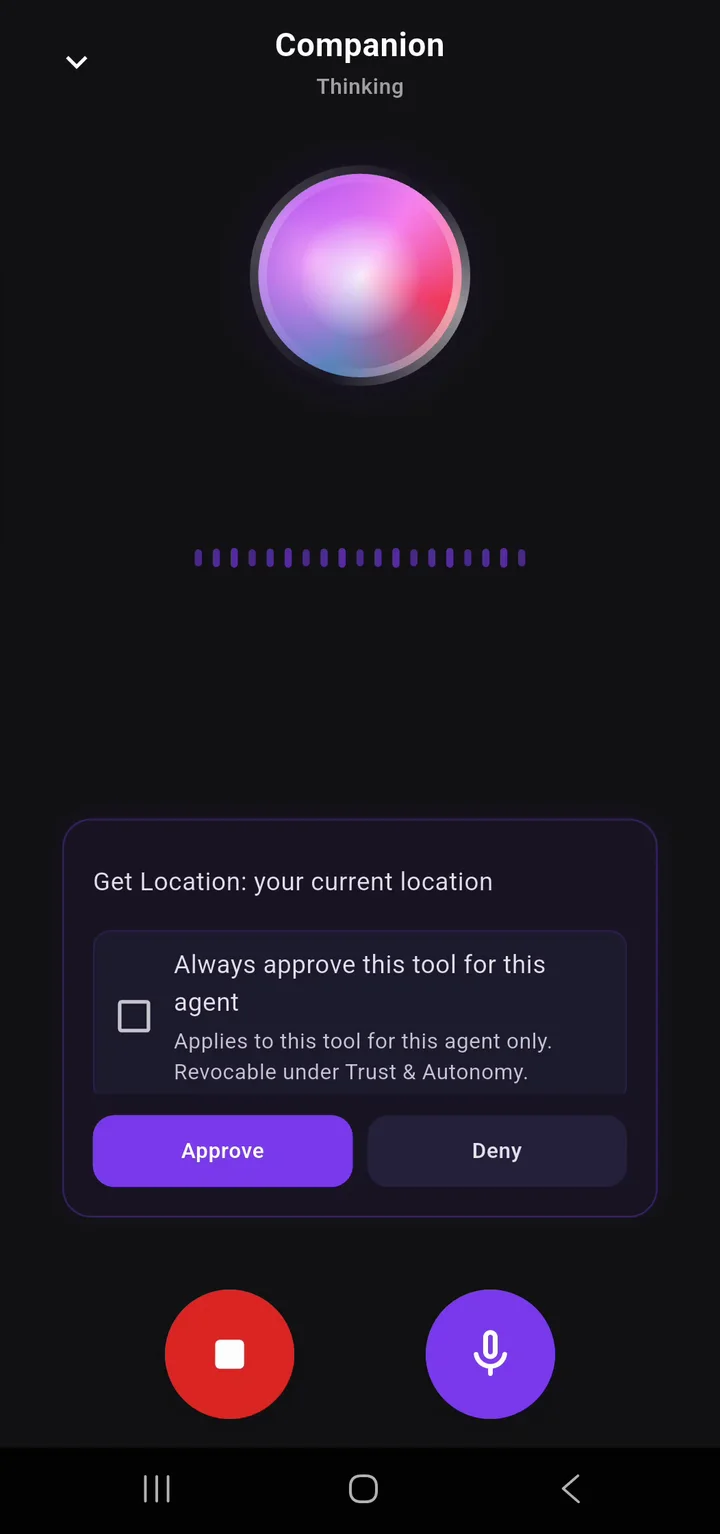
3. Knows where you are
Location, plus geofence automations.
Agents can react to your location and execute rules when you arrive or leave. Set geofence automations like 'when I get to the office, summarize today's calendar and prepare my daily notes'.
Platform note: Protected by native OS background location permissions.
4. Works while you're away
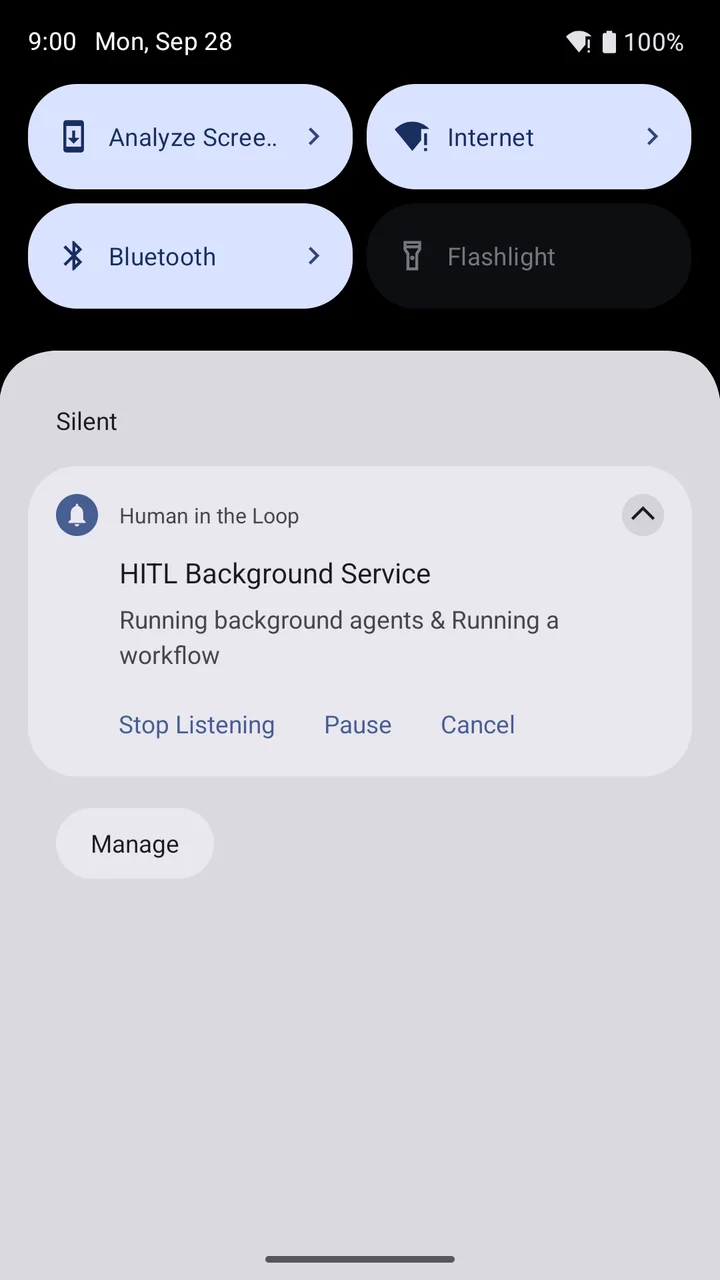
Schedules, heartbeats and triggers wake your agent on your phone.
Your agents don't require the app to stay open. Configured schedules, time triggers, and background heartbeats wake your agents up so they can run automations and prepare updates for you.
Platform note: Executes directly within your device's native background task runner.
5. Sees and remembers
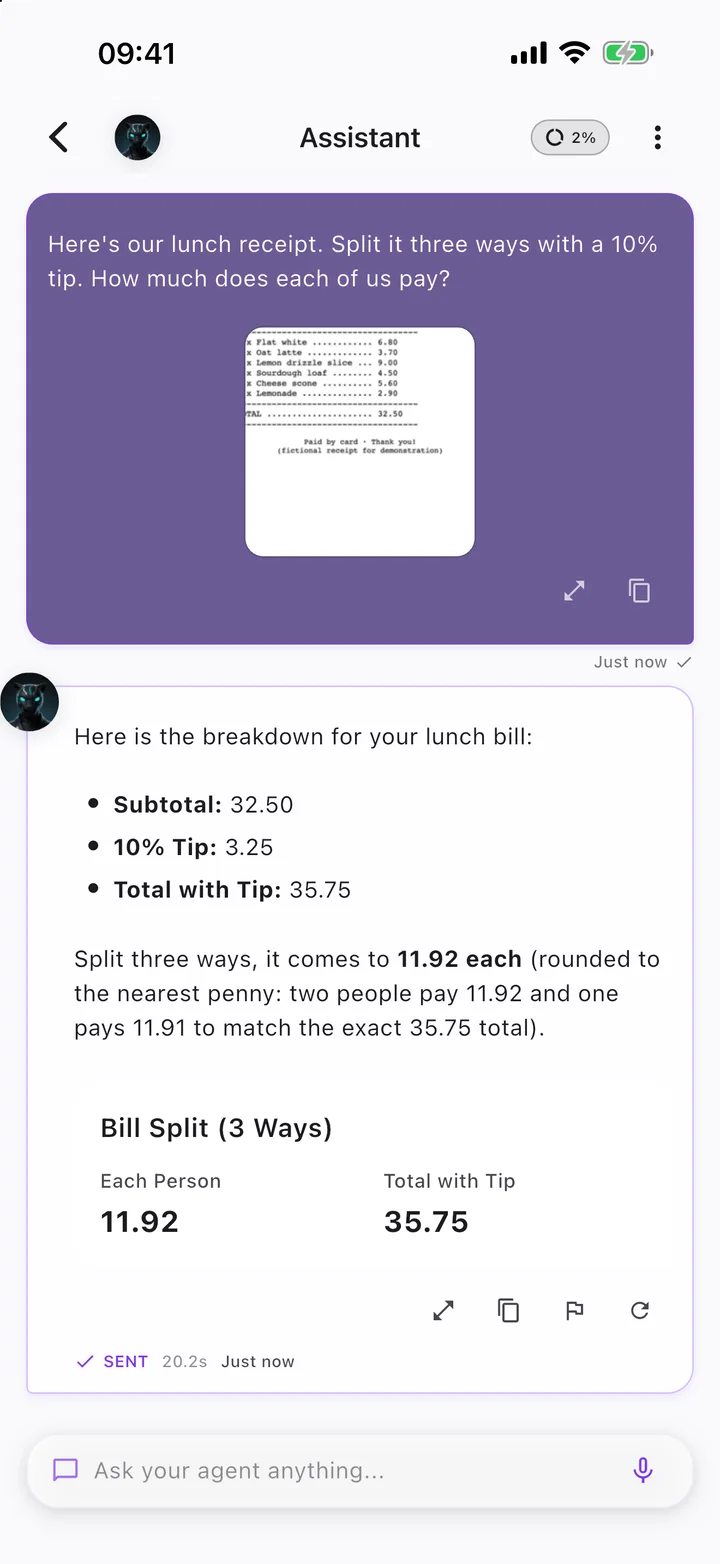
Camera, text recognition (OCR), photo search, on-device memory and files.
Snap a whiteboard, receipt, document, or object. Agents extract text using on-device optical character recognition (OCR), index details in persistent memory, and search your local files.
Platform note: All photos and document indexes remain on your device.
6. Browses for you
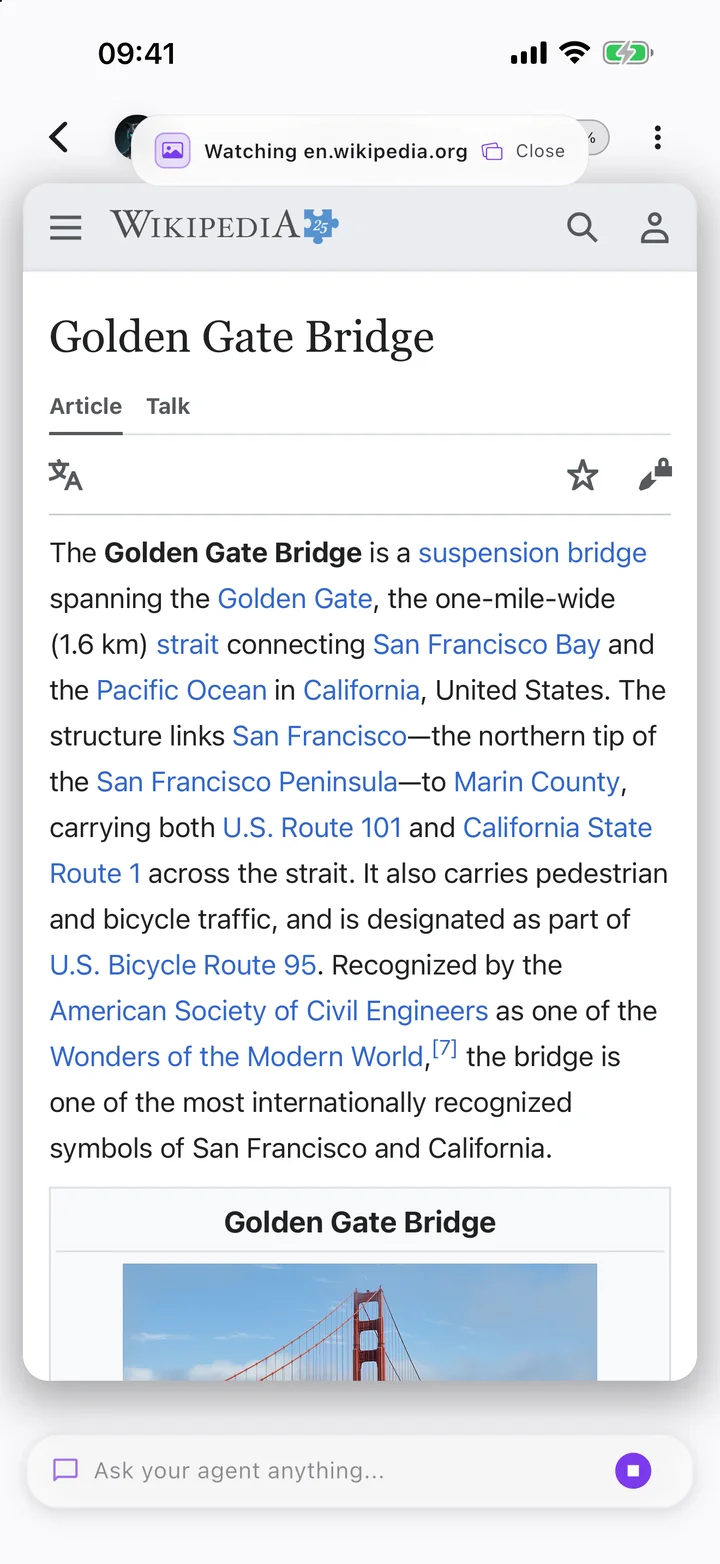
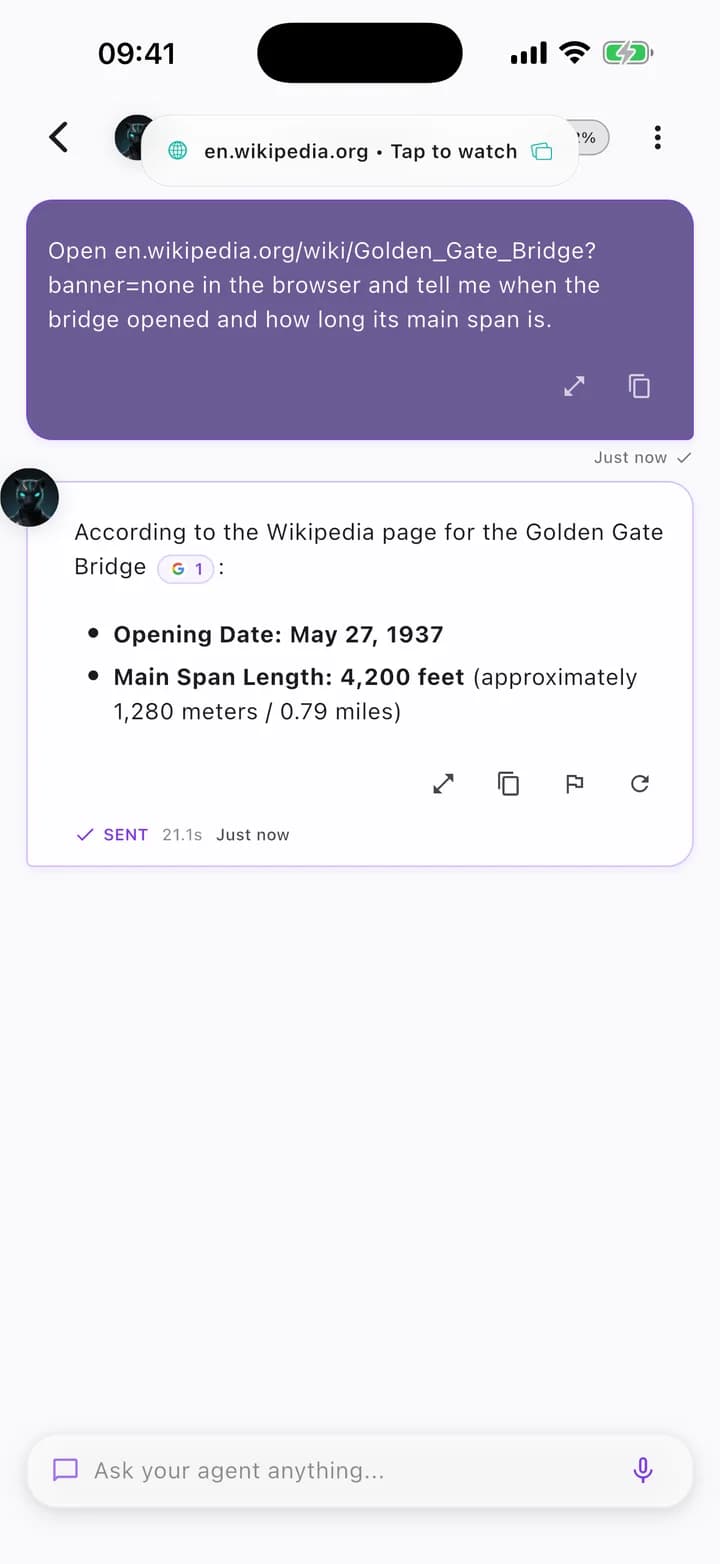
An in-app agentic browser, web search and web requests.
Agents can research topics, search the live web, follow links in an isolated in-app browser session, and extract answers without cluttering your personal browsing history.
Platform note: Sandboxed inside the HITL application container.
7. Plugs into your phone
Shortcuts, Siri, Share sheet, Live Activities, and Health.
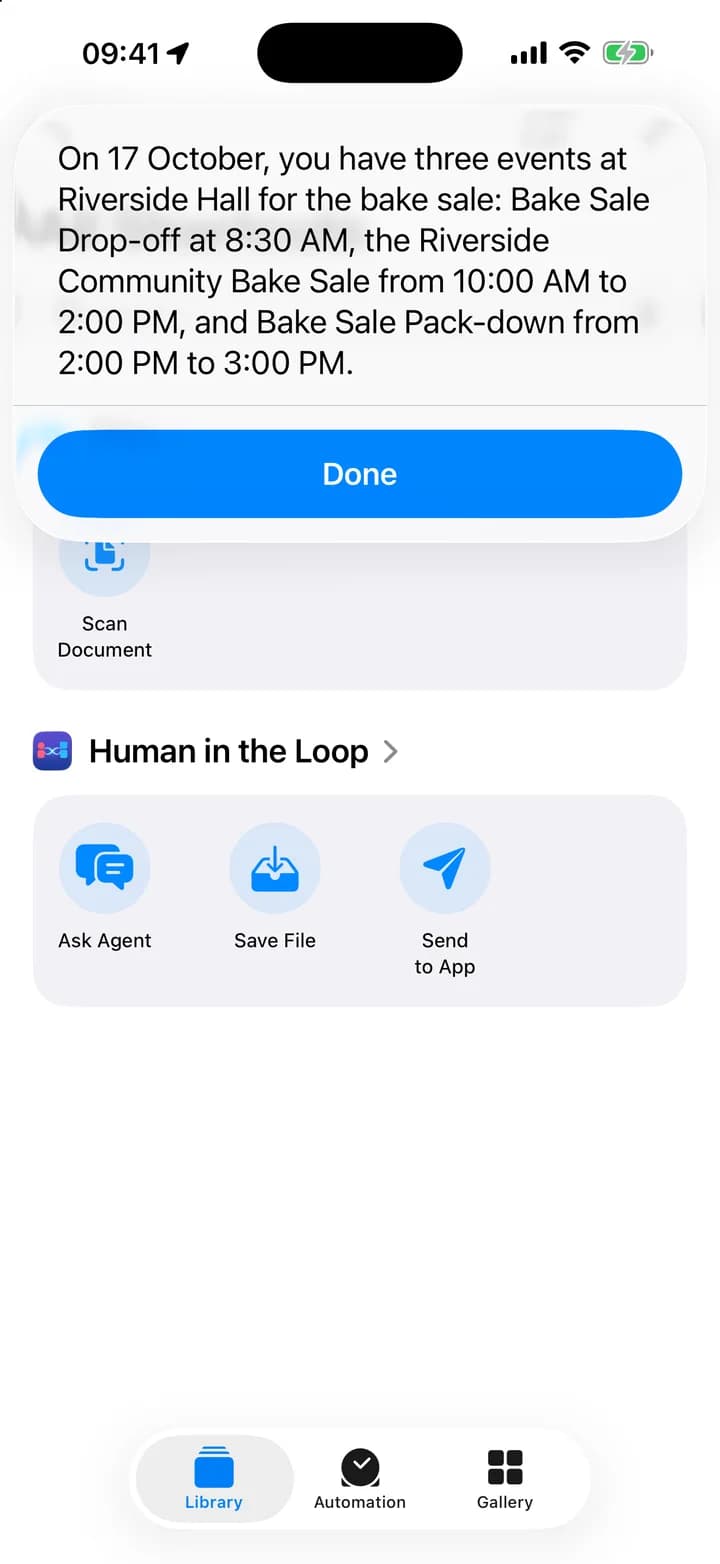
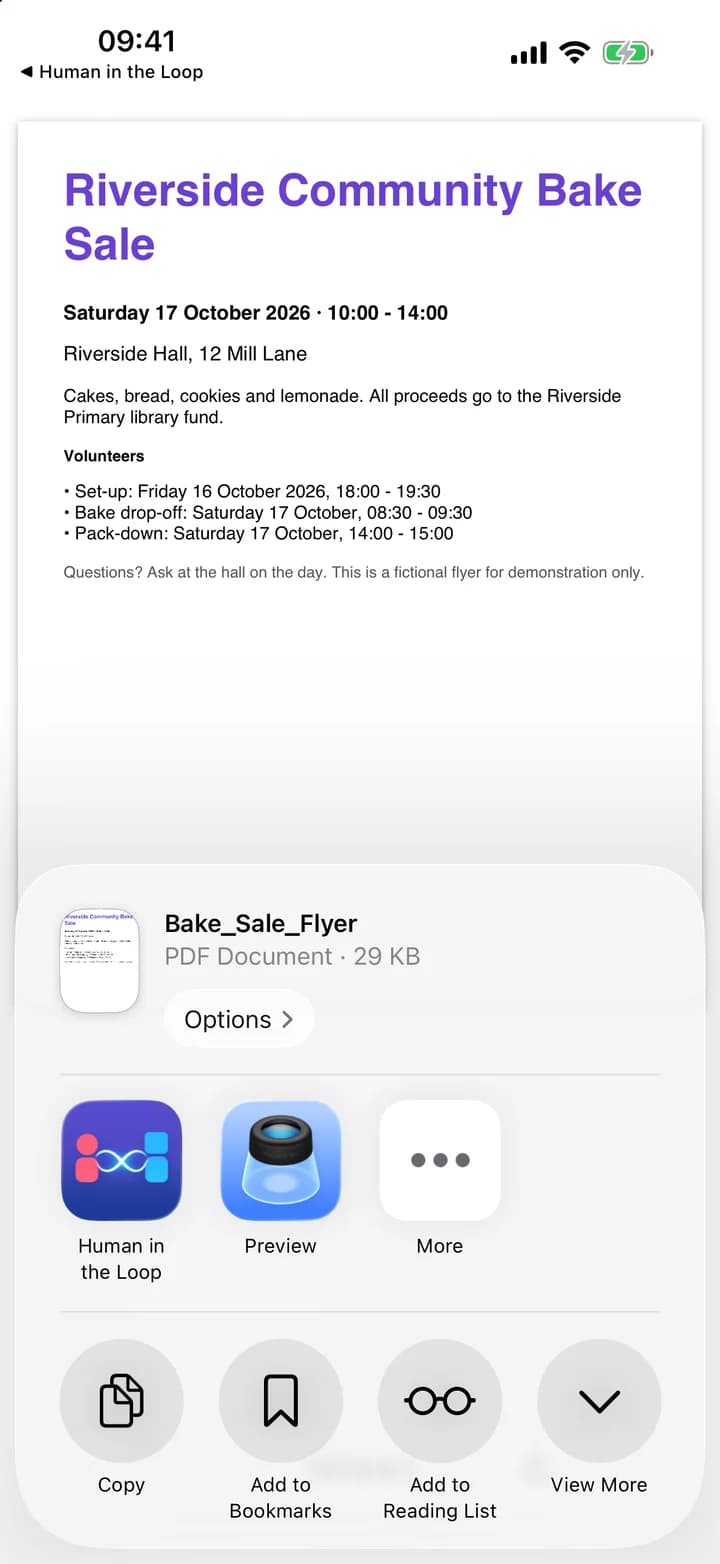
Integrate deeply with your operating system. Build and run Apple Shortcuts, ask questions with 'Siri, Ask HITL', share content directly to your agents via the system share sheet, and track active tasks in Live Activities.
8. Your model, your choice
HITL-managed models, BYOK, or your own self-hosted endpoint.
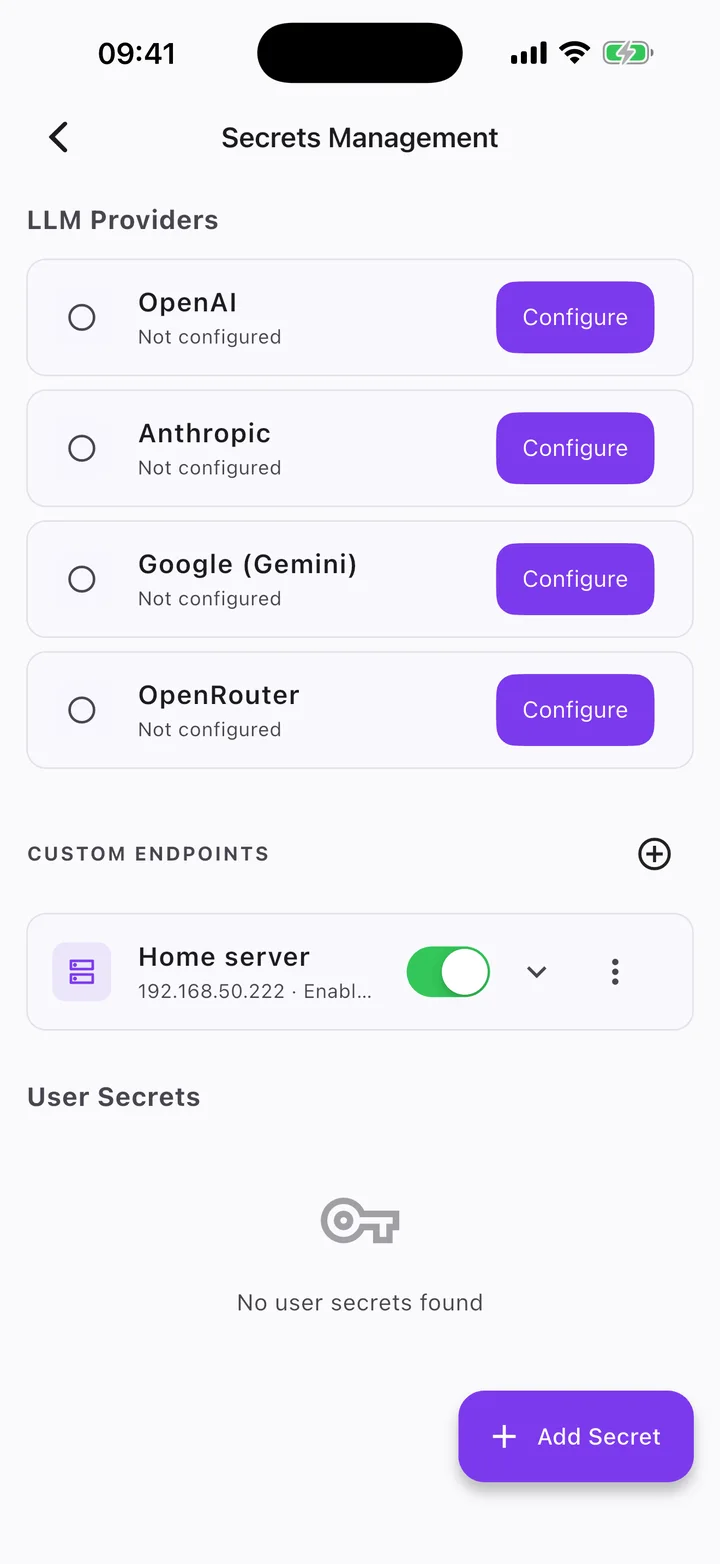
You are in complete control of your AI engine. Use HITL-managed models from leading AI providers included with your plan, bring your own API key for OpenAI, Anthropic, Google, or OpenRouter, or connect your own self-hosted OpenAI-compatible endpoint.
Platform note: API keys are securely stored in your phone's keychain / Keystore.
Honest Privacy, Clear Controls
Your agents, their memory and your files live on your phone. When an agent thinks, the request goes to the AI model you choose: HITL-managed models from leading AI providers included with your plan, your own API key, or your own self-hosted OpenAI-compatible endpoint.
For full data handling details, review our Privacy Policy.
One app for all your remote agents.
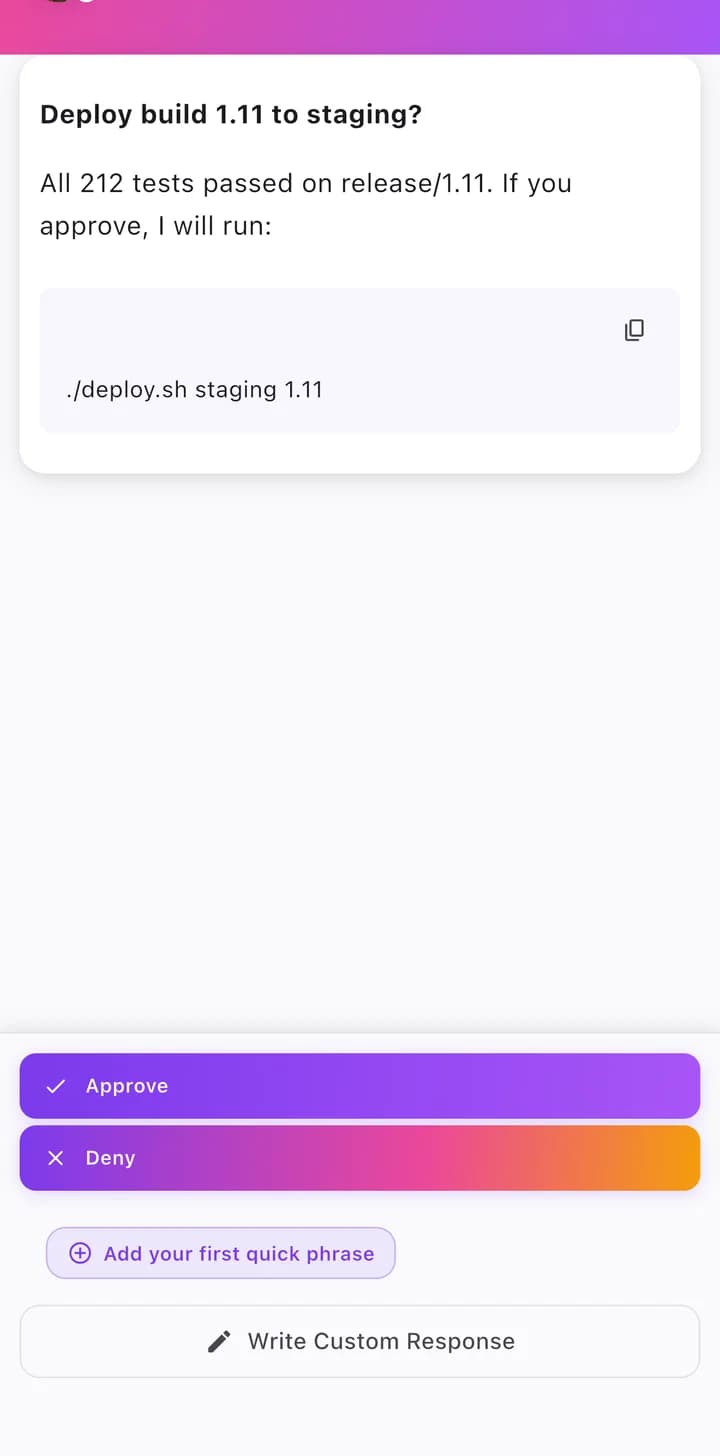
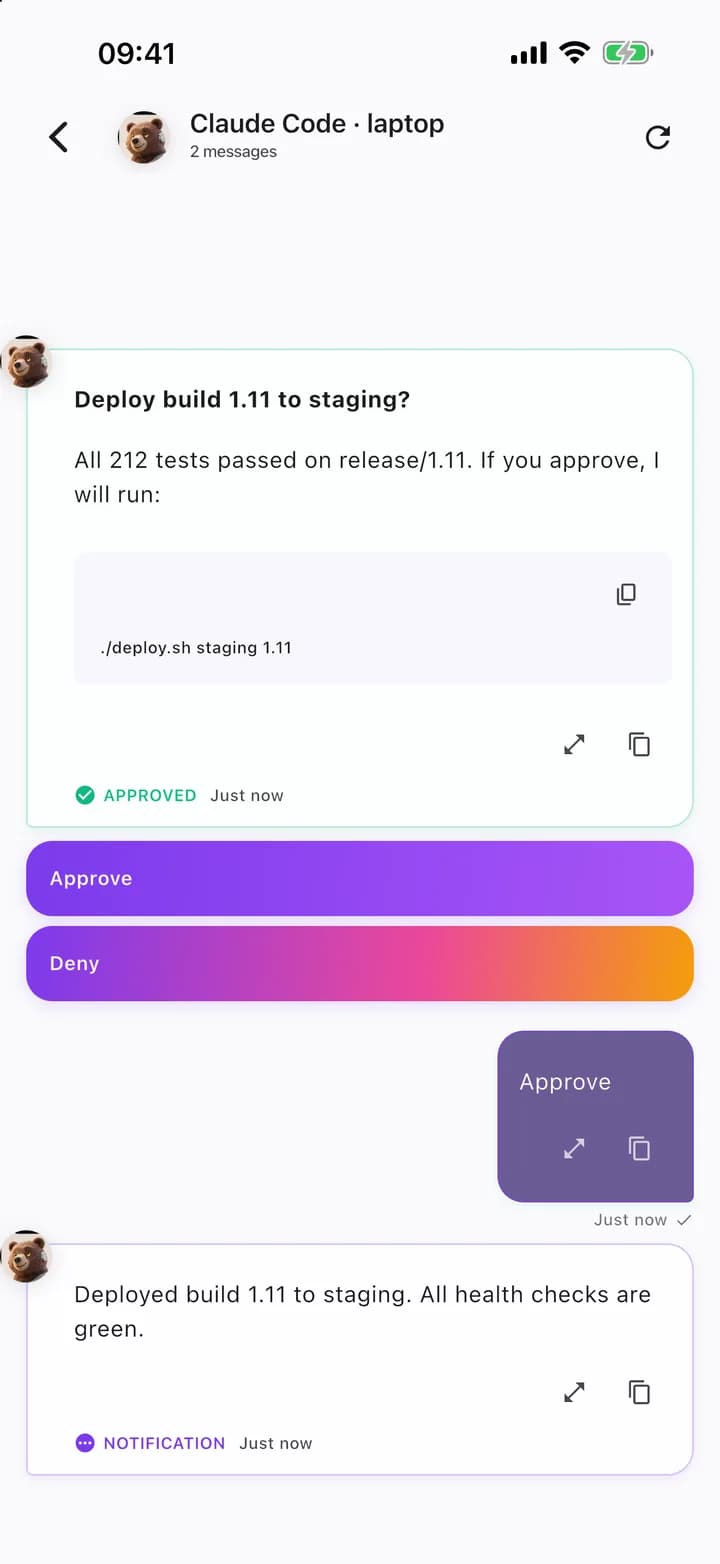
Already running Claude Code, an MCP client or OpenClaw? Get their questions and approvals on your phone too. Unblock coding sessions from anywhere with one-tap decisions.
 OpenClaw
 Claude Code
 Codex CLI
 Gemini CLI
 Cursor

 and more.
Ready to meet your AI team?
Your AI agents live on your phone. Join the public beta on iPhone and Android.