
Get a push the moment a price drops: your agent watches any page for you
Tell your Companion which page to watch and which number matters. It builds a watcher with no model to pay for, and pushes you the moment the price drops.
You know the page. A fare, a price, a number that you keep refreshing in the hope that it has moved. Here's a way to stop refreshing: tell your agent what to watch, and let it ping you when it drops. This is how it works in Human in the Loop (HITL), the app where your AI agents live on your phone.
What you need
- The HITL app on iPhone or Android. It's in public beta.
- A page with the number on it. For this walkthrough we used a fictional airline's fare page, with a London to Barcelona fare at £129.
- A level that matters to you. Ours was "below £100".
Step 1: Say what to watch, in plain words
Open the Companion and type what you want, the way you'd say it:
Watch the fare on fictional-air and send me a push notification when it drops below £100.
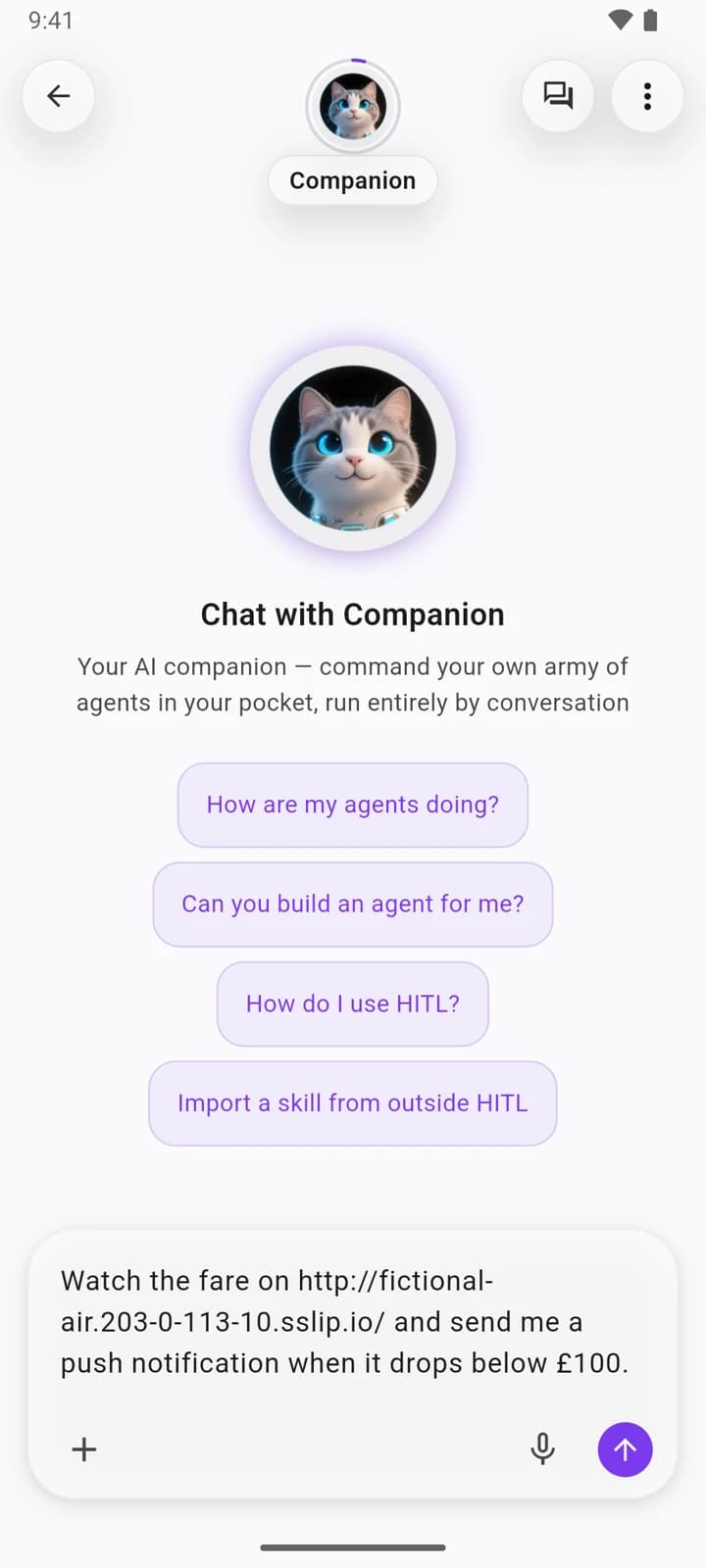
The Companion plays the plan back before it builds anything: what it promises, how often it will check, and where the alert goes. Tap That's right and the Builder sets it up, asking for your approval at each step.
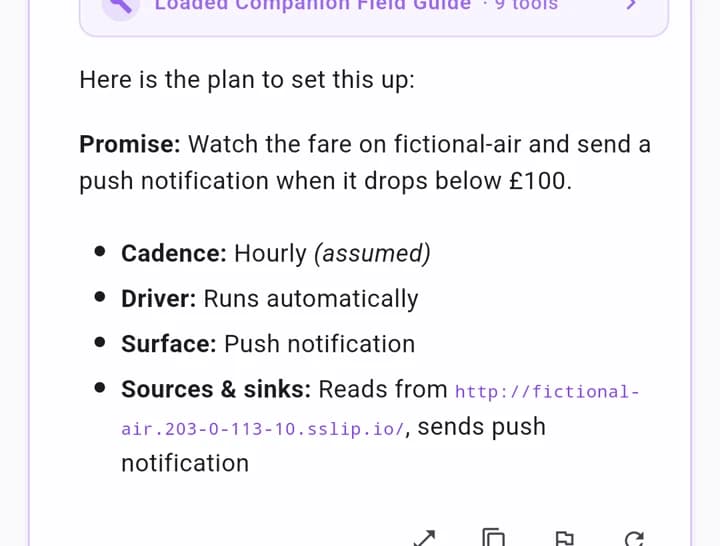
Step 2: A watcher with no model to pay for
What the Builder makes is a watcher: fetch the page, read the fare, compare it with your level, send a push if it's under. No model sits in that loop, so there's nothing to pay for per check. You can see it under Automations, with a Schedule tab for the frequency, the days and the active hours.
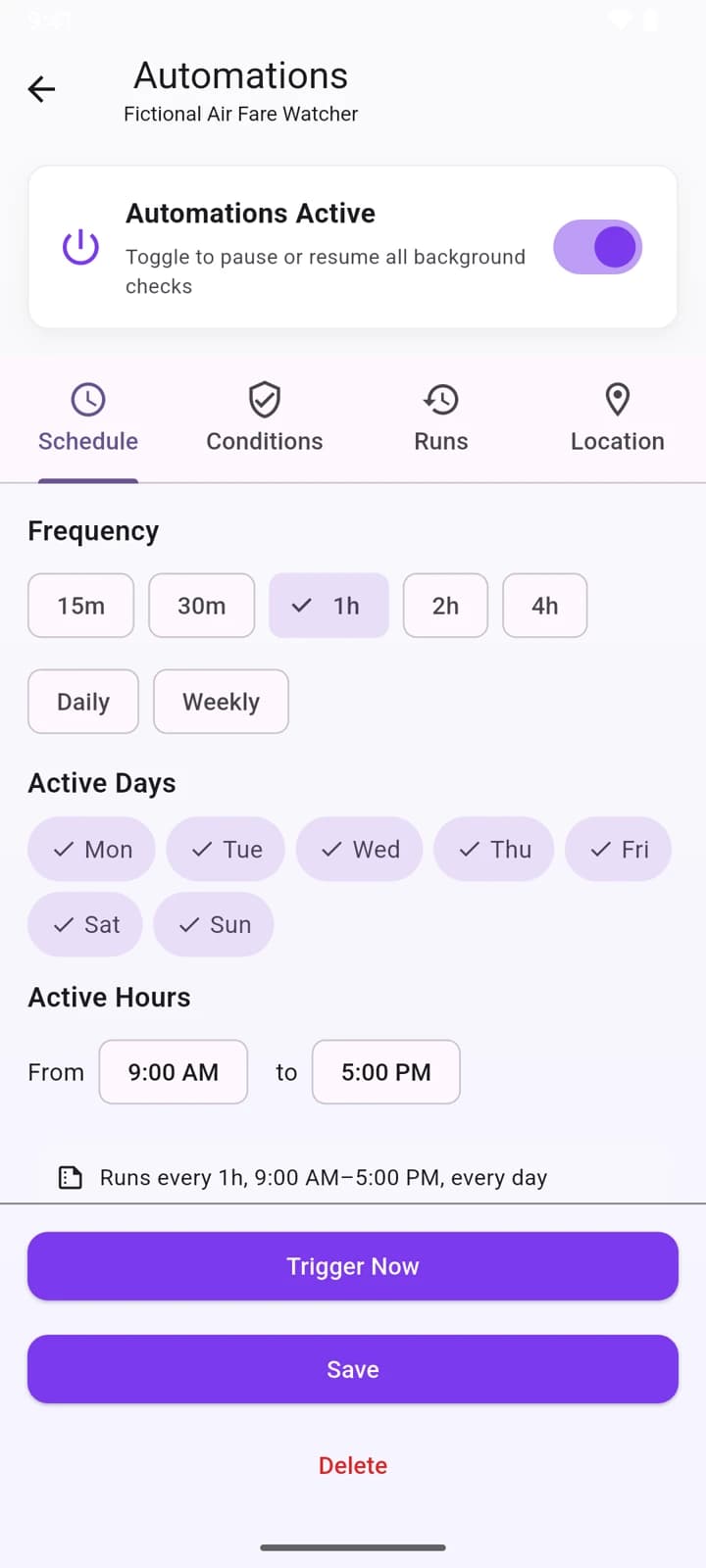
Step 3: Every check lands on a board
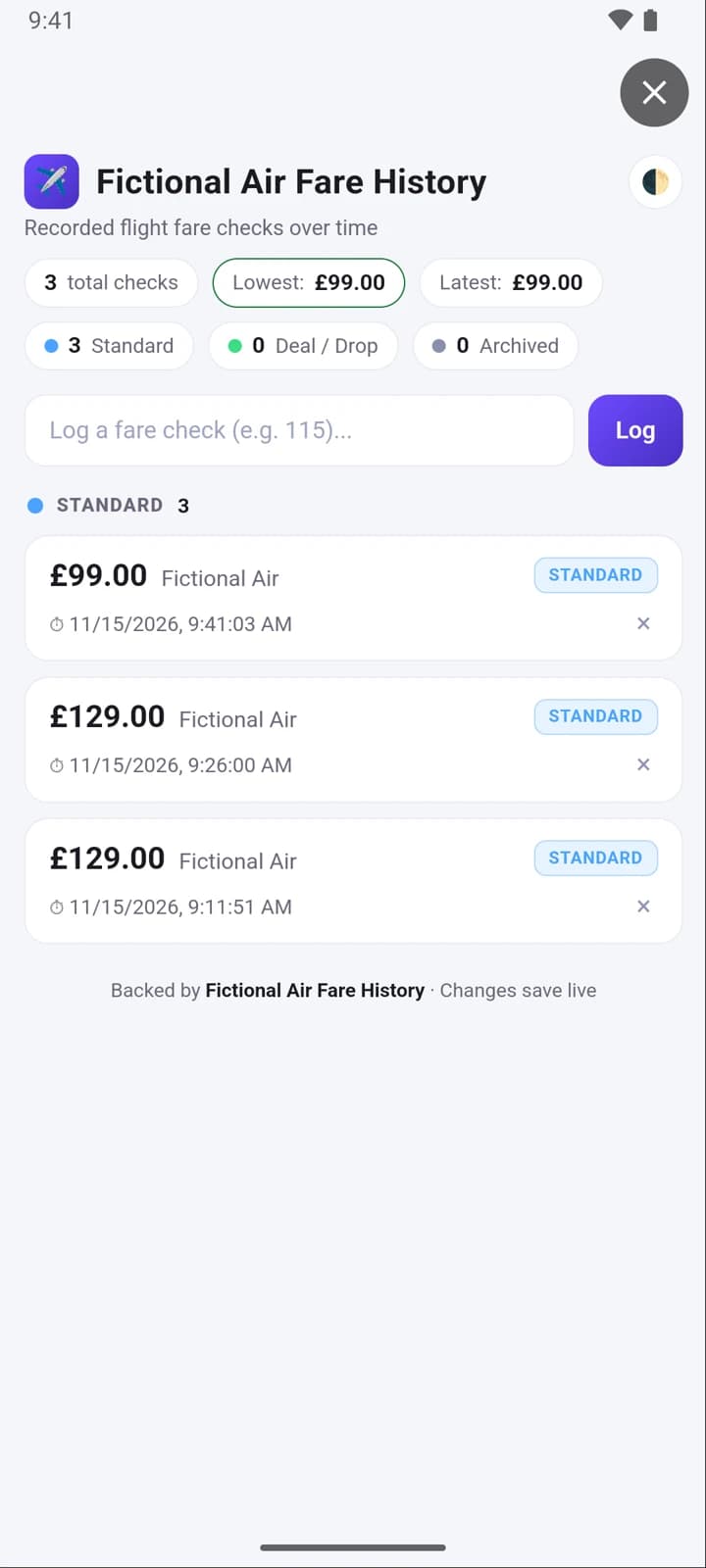
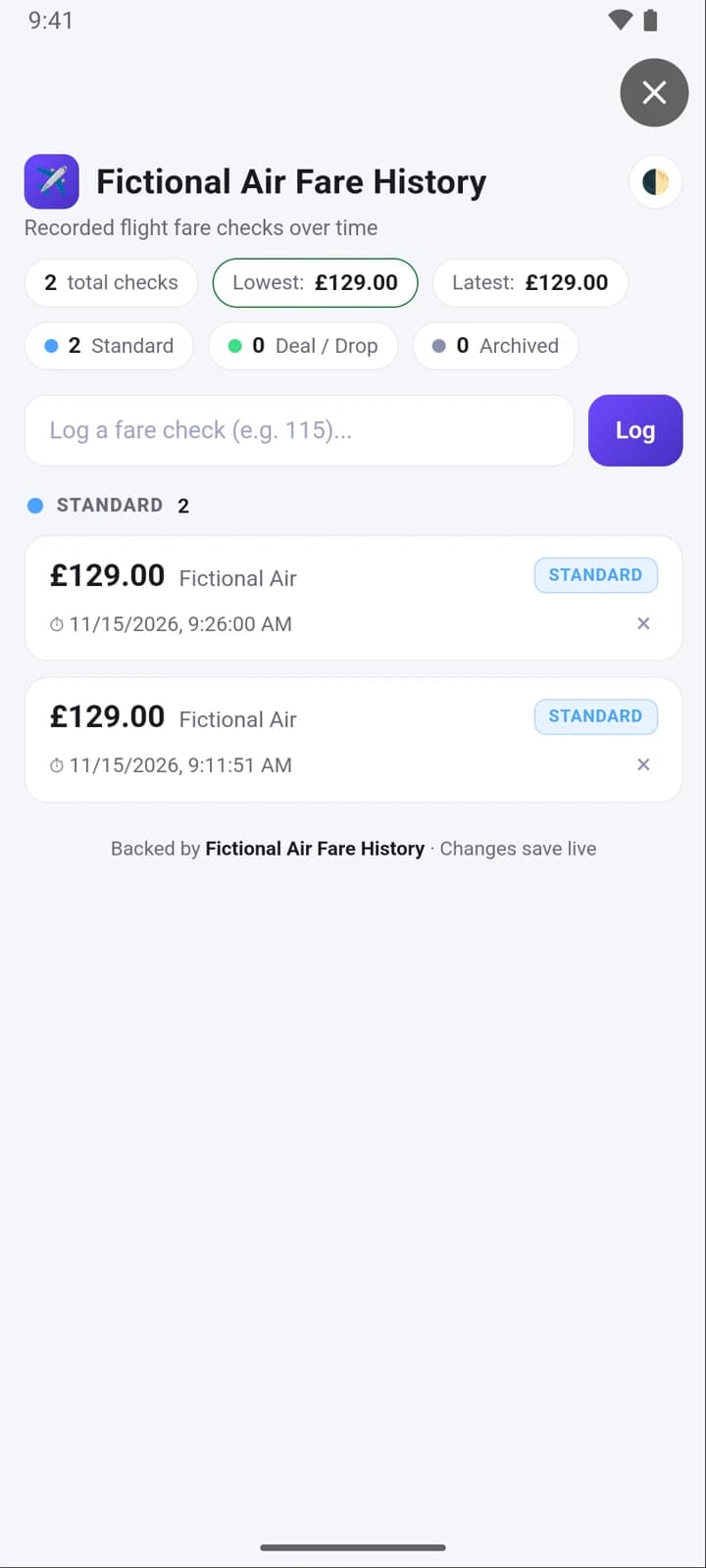
The watcher also ships a small board, and it writes to it on every run. Open the board from the grid button in the chat header and the checks are there: the fare, the time, and the lowest seen so far. You didn't type any of it.
Step 4: The push lands when it drops
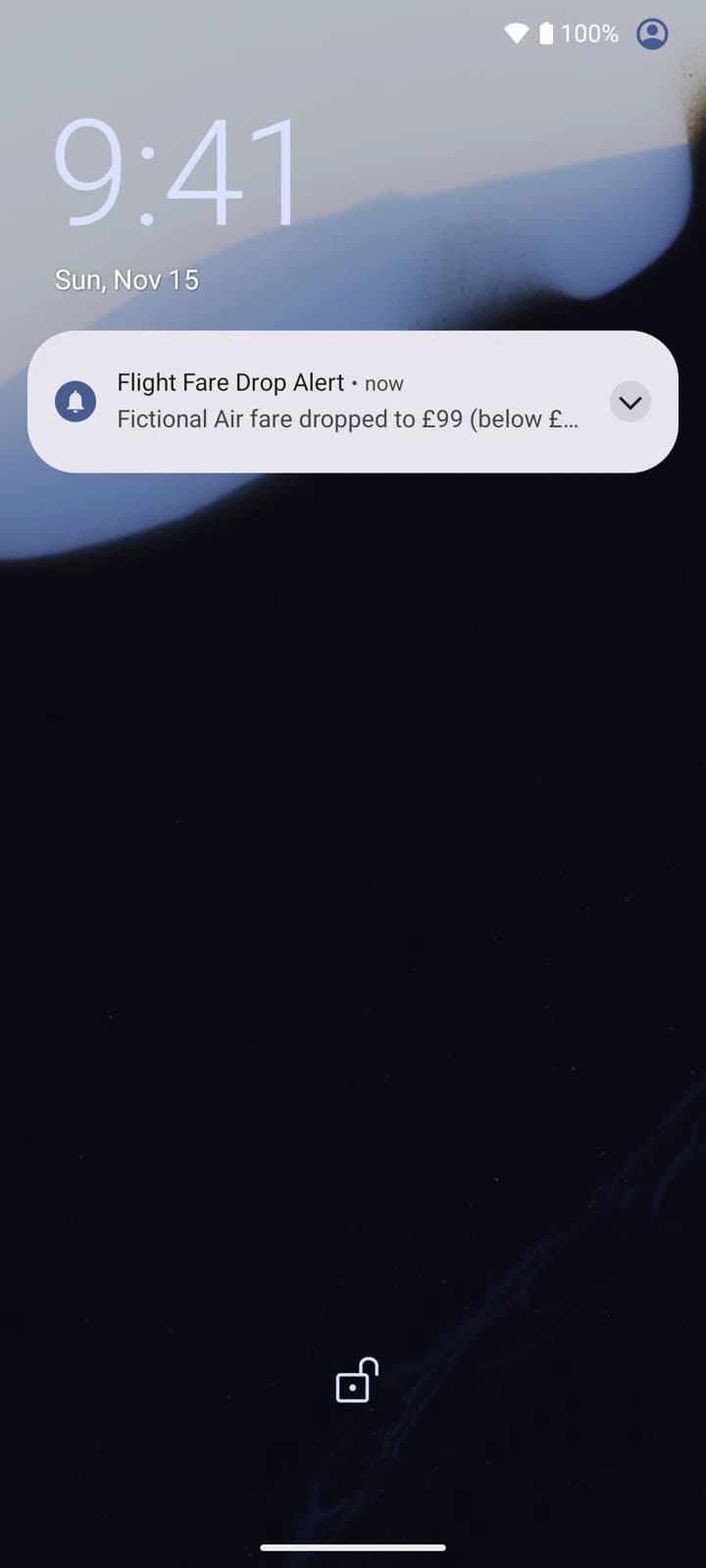
When the fare went to £99 the next check caught it and the alert landed on the lock screen.
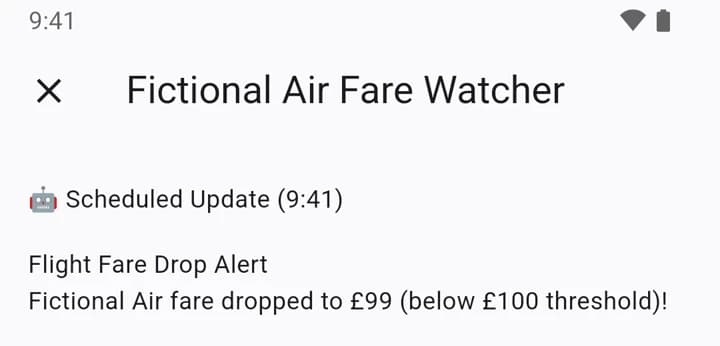
Tap it and you're in the app, on the run that fired, with the message in full.
Close that and the board has its third row, with the £99 on top and the lowest fare updated.
Your agent reads the same board
The board isn't only for you. Ask the Companion a question and it answers from the same rows:
What's the lowest fare so far?
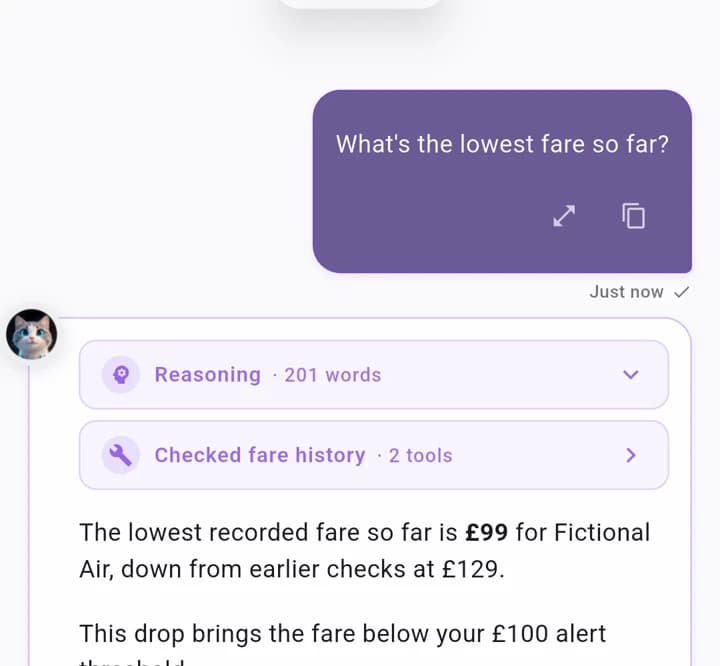
That's the idea behind mini apps in HITL: one small app, filled by your watcher, read by you, and read by your agent when you ask.
Try it
HITL is in public beta on iPhone and Android. Join the beta, open the Companion, and tell it which number you're tired of refreshing.
Frequently asked questions
- Does the watcher use an AI model every hour?
- No. The watcher the Companion builds is a plain automation: fetch the page, read the number, compare it with your level, send a push. There is no model in that loop, so there is nothing to pay for per check. A model is used only when you talk to the Companion, for example to set the watcher up or to ask about the history.
- What can it watch?
- Any page with a number on it that you can open in a browser: a flight fare, a product price, a ticker, a stock level. Give the Companion the page address and the level that matters to you.
- How often does it check?
- Hourly by default, inside the active hours you set on the watcher's Schedule tab. You can change the frequency and the days there, or pause the watcher with one switch.
- Where does the history go?
- On a small board the agent ships with the watcher, opened from the chat header. Every check lands there with its price and time. You can read it yourself, and the agent reads the same board when you ask it a question.
- How do I get HITL?
- HITL is in public beta on iPhone (TestFlight) and Android (Google Play testing). Join from the download page.